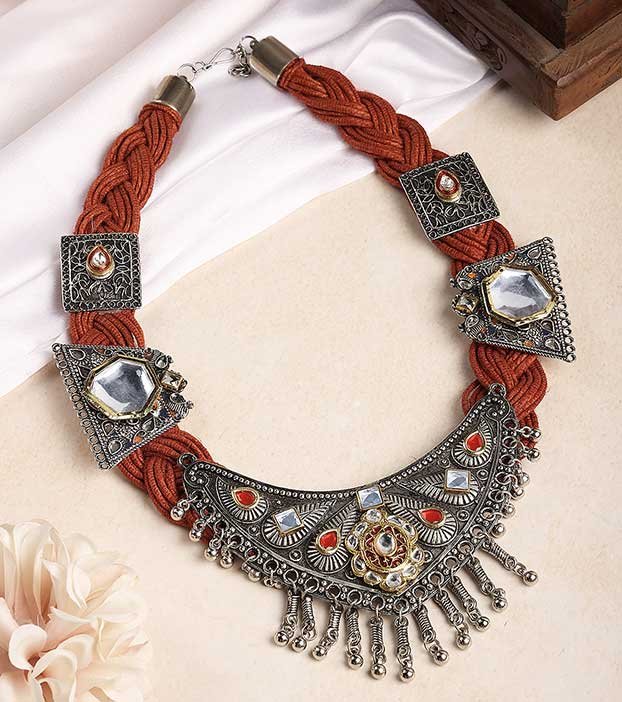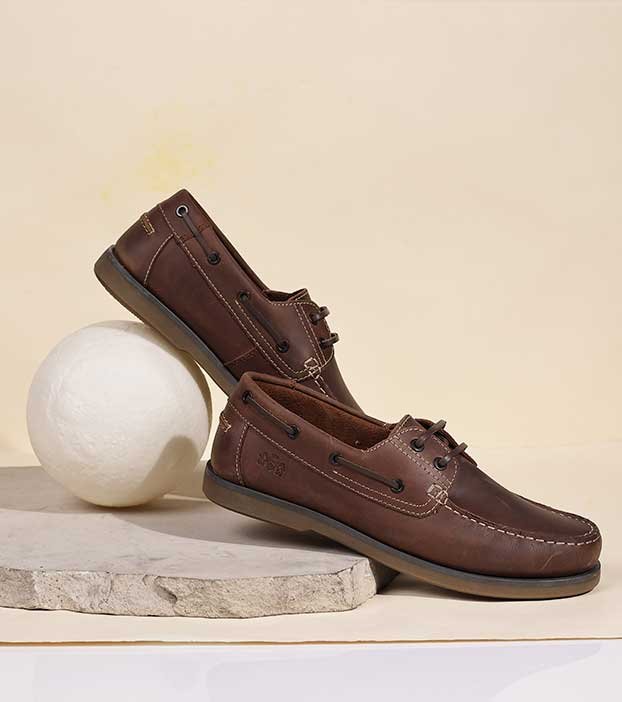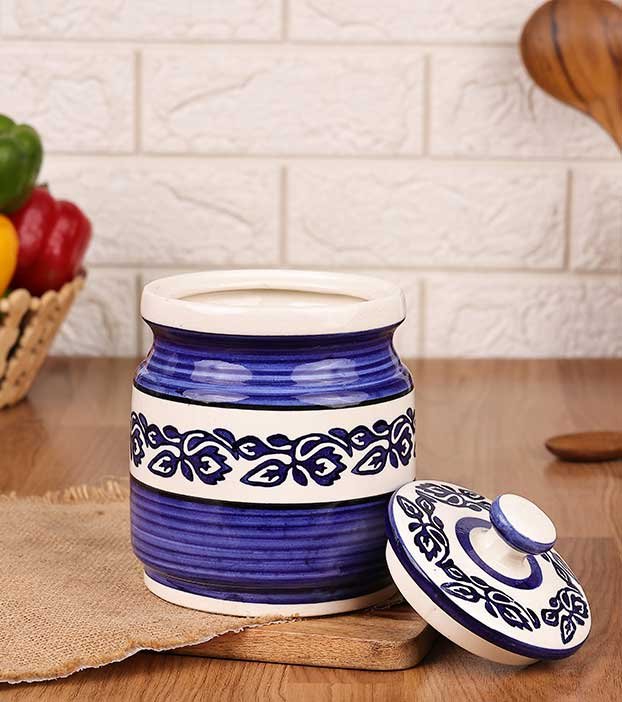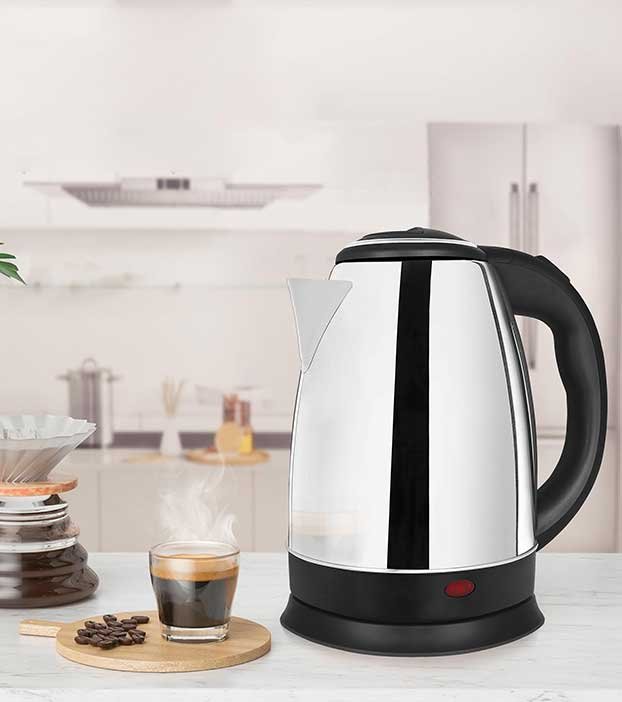

How to Increase Amazon Sales With Better Product Images
You have the right product. Your price is competitive. You’re running ads. But sales are still flat.
Here’s the uncomfortable truth most sellers ignore: the problem is almost never your price or your keywords. It’s your photos.
According to Jungle Scout Consumer Trends Report, 67% of Amazon shoppers make their purchase decision based primarily on product images. They do this before reading a single word of your listing copy. That means your photos are doing more selling than your title, your bullets, and your ads combined.
In this guide, we’ll break down exactly how to increase Amazon sales by fixing the one thing that directly controls your conversion rate: your product images.
Why Product Images Are Your #1 Sales Lever on Amazon
Amazon is not a search engine. It’s a buying engine. People who land on your listing are already in buying mode. They just need a reason to choose you over the 15 other listings on the same page.
That reason? It’s visual. Always.
Here’s what the data says:
- Listings with 7 or more high-quality images convert at 2.4x the rate of listings with only 1–2 images
- Better images improve your conversion rate, which directly signals Amazon’s A10 algorithm to rank you higher. In short, better images earn you free organic traffic.
- Professional photography has been shown to increase conversion rates by up to 47% for optimized listings
- Over 79% of Amazon browsing now happens on mobile, where images fill the entire screen and copy is an afterthought.
The math is simple: better images → higher conversion rate → more sales → higher organic ranking → even more sales. It’s a compounding cycle.
7 Product Image Strategies That Actually Increase Amazon Sales
1. Nail Your Main Image First
Your main image is the only thing shoppers see in search results. It decides whether they click or scroll past. You have less than 2 seconds to earn that click.
Amazon’s rules for the main image are strict:
- Pure white background (RGB 255, 255, 255, not off-white or grey)
- Product must fill at least 85% of the frame
- No text, logos, watermarks, or props
- Minimum 1,600 x 1,600 pixels for zoom function to activate (2,000+ recommended)
Within these rules, the difference between a poor and a great main image comes down to three things: sharpness, lighting, and framing. A poorly lit photo with blown-out highlights or murky shadows will lose the click every single time, regardless of how good your product actually is.
Pro tip: Check your main image as a thumbnail on mobile. That’s how 79% of your potential buyers are seeing it. If your product looks blurry, small, or unclear at thumbnail size, it needs a reshoot.
2. Use All 7–9 Image Slots With a Clear Strategy
Most sellers upload 3–4 images and call it done. Top-performing listings use all 7–9 slots, and every single image serves a specific purpose in a visual selling sequence.
Here is the image sequence that works best, backed by Amazon’s internal data:
| Slot | Image Type | Purpose |
| 1 | Hero image (white background) | Earn the click in search results |
| 2 | Lifestyle image | Help buyer imagine owning it |
| 3 | Scale/size comparison | Eliminate the “how big is this?” doubt |
| 4 | Feature close-up | Show texture, material, quality |
| 5 | Infographic with callouts | Highlight 3–5 key benefits visually |
| 6 | Usage or “how to use” shot | Reduce hesitation, build confidence |
| 7 | Packaging / what’s in the box | Prevent returns, set expectations |
Attention drops off sharply after slot 3, so put your strongest selling argument in slots 2 and 3, not slot 6.
3. Add Lifestyle Images That Create Desire
A product sitting on a white background shows what something is. A lifestyle image shows what it does for you, and that emotional connection is what closes the sale.
A camping chair photographed in a campsite beside a fire converts dramatically better than the same chair photographed against a wall. A skincare product photographed on a marble surface with fresh flowers tells a completely different brand story than one sitting on a plain grey backdrop.
For Indian sellers specifically, lifestyle images also help buyers understand the context of your product. They can see whether it fits their kitchen, their wardrobe, their lifestyle. This is especially important for home décor, clothing, kitchenware, and personal care products.
4. Use Infographic Images to Answer Questions Before They’re Asked
Every potential buyer has objections. Is this the right size? What material is it? Will it actually work for me?
If those questions go unanswered, they bounce. They don’t leave a comment asking. They just go buy from your competitor.
Infographic images are product photos overlaid with clean text callouts, icons, or measurement guides, and they answer these questions visually in under 3 seconds. The most effective infographics follow one rule: one image, one message. A cluttered graphic with 8 features in tiny text communicates nothing. A clean graphic that highlights one key benefit with bold text converts.
5. Optimize for Mobile Viewing
This one is consistently overlooked by Indian sellers. If your image looks great on a desktop product page but your text callouts are unreadable on a 6-inch phone screen, you’re losing the majority of your potential buyers.
When creating infographic images, use:
- Minimum font size 30pt for body text in callouts
- High contrast between text and background
- Simple layouts with lots of white space
- Test every image by viewing it on your own phone before uploading
6. Create A+ Content With Image-Led Modules
If you’re brand-registered on Amazon, A+ Content is one of the highest-ROI upgrades you can make. Amazon’s own data shows A+ Content generates an average 5–8% higher conversion rate, and well-executed A+ can do much better.
But here’s what most sellers get wrong: they treat A+ Content as a text section. It shouldn’t be. A+ Content should be image-led: compelling visuals first, short supporting copy second.
Use A+ Content to:
- Tell your brand story visually
- Show comparison charts positioning you against alternatives
- Highlight your product’s unique material or manufacturing quality
- Display the full product range to increase average order value
7. Get a Professional Shoot (Here’s Why the ROI Makes Sense)
Many sellers delay professional photography because of the perceived cost. Here’s why that thinking is backwards.
If your listing gets 1,000 sessions per month and converts at 5%, that’s 50 sales. Improve your conversion rate to just 8% with better images (a completely realistic jump) and you’re now at 80 sales per month. That’s 60% more revenue from the same traffic, with zero extra ad spend.
A professional Amazon product photography studio will:
- Shoot on properly calibrated backgrounds that actually meet Amazon’s white background spec
- Create consistent lighting that signals premium quality
- Produce lifestyle, infographic, and detail shots in a single session
- Deliver images edited and sized to Amazon’s exact specifications
One professional photoshoot can pay for itself within weeks of going live.
Common Amazon Image Mistakes That Kill Sales
If your conversion rate is below 5%, one of these is likely the culprit:
- Dark or inconsistent lighting that makes your product look cheap
- Off-white or cream backgrounds instead of true white. Amazon’s algorithm now automatically suppresses listings that fail the background check.
- Images below 1,000px that disable the zoom function. Shoppers who can’t zoom in, don’t buy.
- No lifestyle image uploaded means shoppers can’t picture themselves using it.
- Infographics with too much text crammed in that are unreadable on mobile
- Only 2–3 images uploaded when you have 7–9 slots available
Final Thoughts
If you’re wondering how to increase Amazon sales without increasing your ad budget, start with your images. It is the single highest-leverage change you can make to a listing. Unlike advertising, the results compound over time as your conversion rate improves your organic ranking.
The sellers who consistently win on Amazon are not the ones with the biggest budgets. They’re the ones whose listings look like the premium choice the moment a shopper lands on the page.
Ready to upgrade your Amazon product images?
At Nibble & Pixel, we specialize in ecommerce product photography for Amazon, Flipkart, and Meesho sellers across Delhi NCR. From main images that pass Amazon’s strict requirements to lifestyle shots and infographic images that convert, we handle the complete image sequence your listing needs.
📸 Book a free consultation today and let’s turn your listings into your best-performing sales asset.